

Compatible Toner Cartridge For Xerox B210 B205 B215 NI DNI MULTIFUNCTION PRINTER 106R04346 106R04347 106R04348 106R04349
106R04348 3K Toner
$139.55
Sale price
$139.55
Regular price
$0.00
Skip to product information


Compatible Toner Cartridge For Xerox B210 B205 B215 NI DNI MULTIFUNCTION PRINTER 106R04346 106R04347 106R04348 106R04349
$139.55
Regular price
$0.00
Sale price
$139.55
Description
SPECIFICATIONS
Brand Name: vitotc
Bulk Packaging: Yes
Cartridge's Status: Full
Compatible Brand: XEROX,XEROX
Feature: Compatible
High-concerned chemical: None
Model Number: B205 B210 B215
Origin: Mainland China
Type: Toner Cartridge
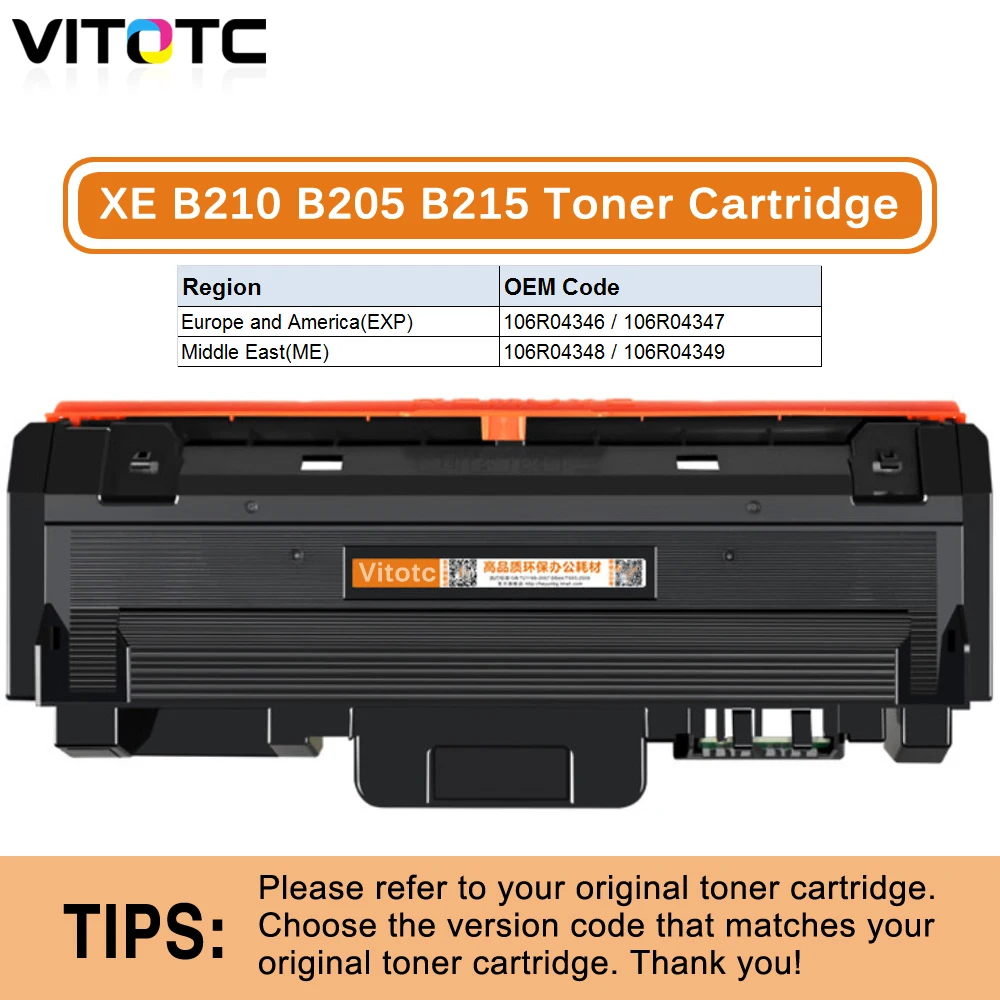
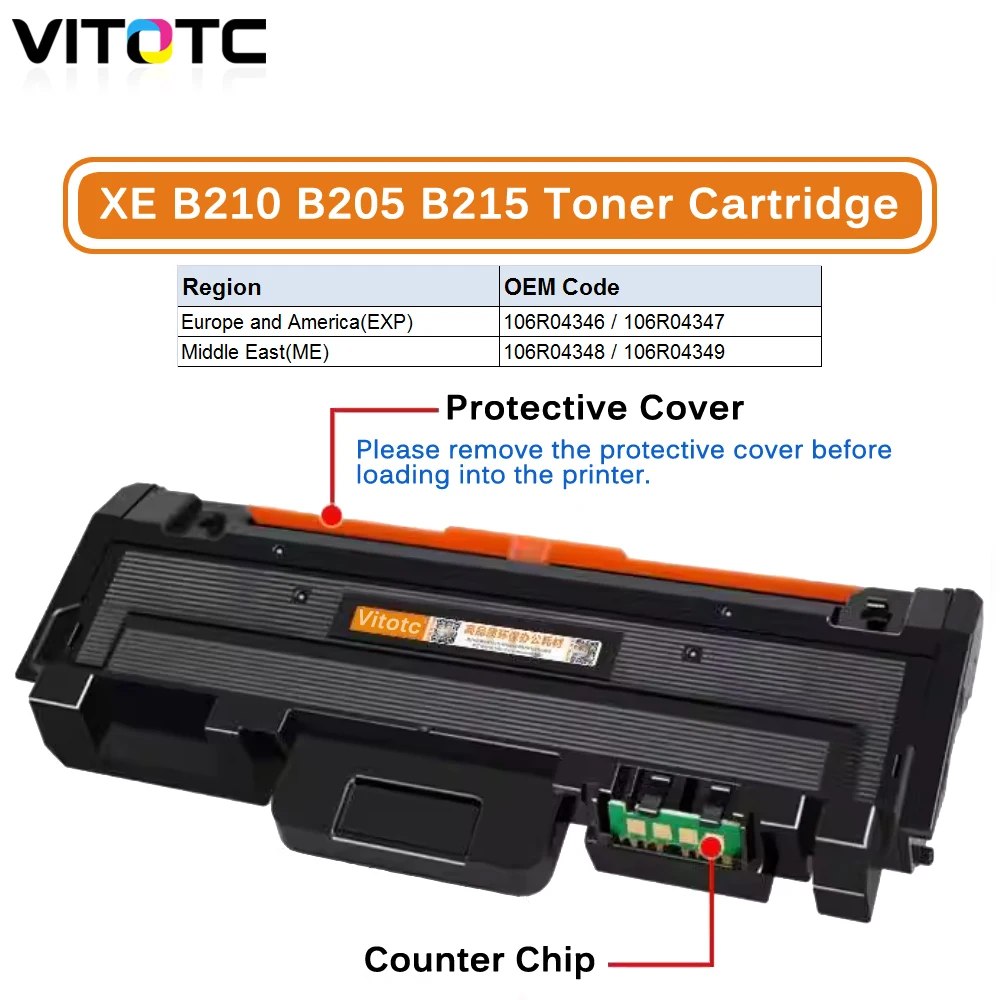 Toner Cartridge for Xerox B210 B205 B215 NI DNI MULTIFUNCTION PRINTER Compatible 106R04346 106R04347 106R04348 106R04349 101R00664
About the chip code (version):
Because the chip version used in different regions is different. Please check whether the code of the toner cartridge you are using corresponds to the order. if you dont't know how to find the toner cartridge code, please contact us first for help. so as not to cause the chip to be unusable, because the chip version is inconsistent, the chip will not be recognized by the printer, and the printer will not work.
Package Content:
1PCS × Toner Cartridge
Product Name: Toner Cartridge
For brand: Fuji Xerox
Compatible Models:
Code 1-2: 106R04346 / 106R04347 ( EXP, Toner Chip )
Code 3-4: 106R04348 / 106R04349 ( ME , Toner Chip )
Code 5 : 101R00664 ( WW , Drum Chip )
Tips: EXP = Europe and America, ME = Middle East, WW=World Wide.
Color: Black
Print Standard: (A4 paper at 5% coverage)
Chip page yield: 1,500 Pages/ 3,000 Pages
Compatible Printer models:
For Fuji Xerox B210 Printer B205/B215 MULTIFUNCTION PRINTER
The best installation methods of chips and related warning:
1.Take out the related cartridge which need to replace chip
2.Cleaning the cartridge and refill toner powder.
Warning:the machine will be destroyed when the toner powder is lower or without powder.
3.Put the new chip inside, please pay attention to the direction when take out the old chip.
4.Please don’t install the cartridge immediately, close the cover, turn on the machine.
5.After the red light flash,the machine will show that no cartridge installed,then put the cartridge into the machine.
Warning:Please don't turn off the electrical power on the process of installation.
|
Recently, we receive feedback from some customers thatwhen the Xerox B210 chip was installed in printer, the machine reported“09-800”and failed to work.In analysis to this matter,it is determined that the chip's region or model doesn't match with that of the printer's.
The regions for Xerox B210 series printers are divided into EXP and ME.We can find the detail information from the model list.
But how can we identify the region or model for the chip and the printer?They can be found by two methods:
01
Method I: Print the Supplies Usage
Printer with screen
1
Click “Device”
2
Choose “Information Pages”
3
Find "Supplies Usage" and click
4
Click “Print”
The supplies’ model for this printer is“106R04346”, which displays in the “Standard Capacity Toner Cartridge Reorder” column.And you can find its region EXP from the model list.
Printer without screen
Print the Supplies Usage from PC connected.We take the PC under Win7 system for an example:
1
Have the PC connected with driver, click Devices and Printers.
2
Find the B210 printer.
3
Right-click on the printer and choose the Printing Preferences.
4
Click Printer Status and the Supplies Usage will be printed out.
02
Method II: Check the OEM cartridge
or the cartridge chip coding
Check through OEM cartridge
From the OEM cartridge’s label,we can find the supplies model is “106R04349”,which is for ME region.
Free Shipping Over $199
- Standard Shipping: 7-15 business days worldwide
- Express Shipping: 3-7 business days (UPS / FedEx)
- Free Shipping: Orders over $199 qualify automatically
- Tracking: Full tracking number provided for all orders
30-Day Return Policy
- Returns: 30-day hassle-free return window
- Condition: Items must be unused and in original packaging
- Refund: Full refund processed within 3-5 business days
Why Choose Us?
- Factory Direct: ISO/TS 16949 certified manufacturer
- Quality: 100% electrical continuity tested before shipment
- Experience: 15+ years in automotive connector industry
- Support: Professional technical support available
You may also like
Subscribe to our emails
Be the first to know about new collections and special offers.